Memberships Join
Parks & Rec > Memberships > Join
Once memberships have been created, use the Join option to assign contacts to the membership.
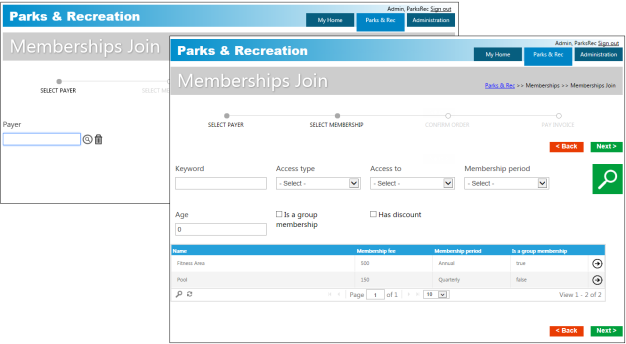
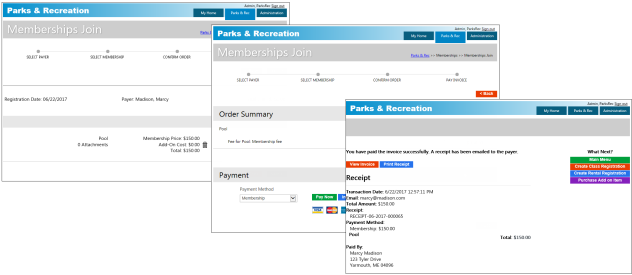
When you complete membership registrations, the Order Summary page identifies the membership type and amount, with the options to pay now or pay later (receive an invoice).
 Cart Fees and Payment Methods
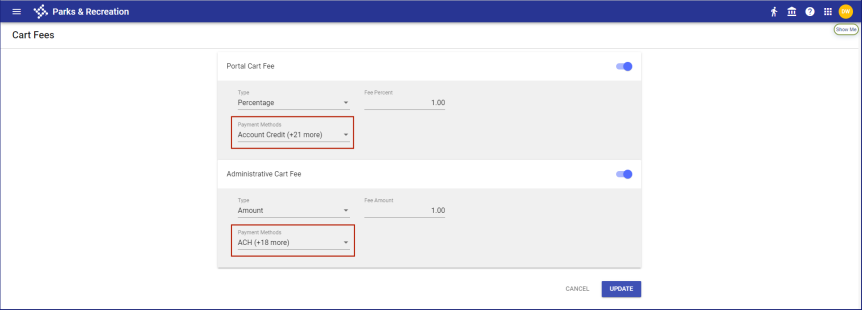
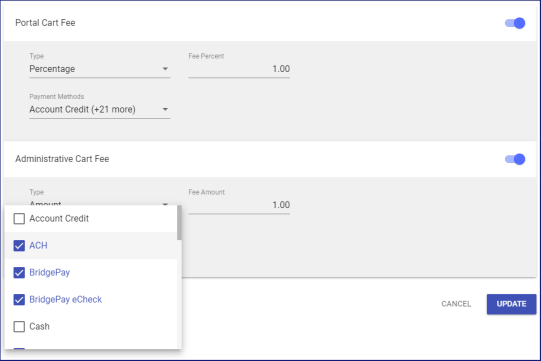
To let you apply cart fees to selected payment methods, the portal and administrative cards on the Cart Fees page in Cashier Setup (Administration > Cashier Setup > Cart Fees) provide a Payment Methods multi-select drop-down:
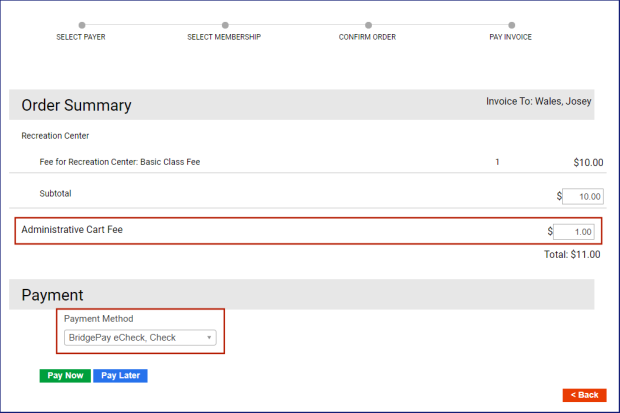
When Cashiering is disabled in Integration Settings, based on the Payment Method selected during checkout, the cart fee displays as a line item on the Order Summary and Payment page:

Order Summary and Payment
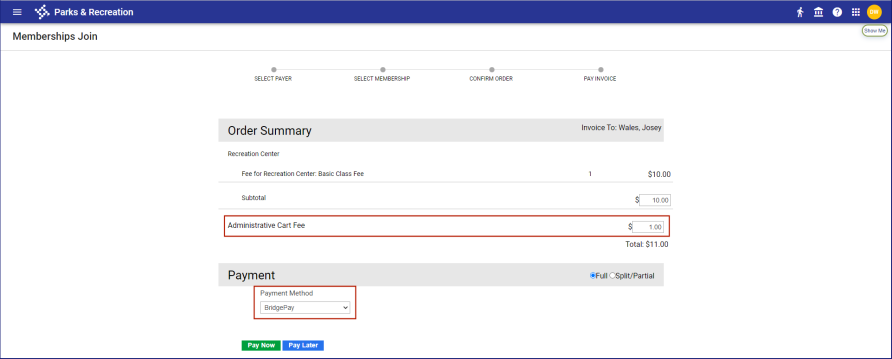
If cart fees have been applied to all payment methods, the cart fee displays automatically on the Order Summary and Payment page, regardless of the payment method selected.
When Cashiering is enabled in Integration Settings and cart fees have been applied to all payment methods, the cart fee line item displays automatically on the Order Summary and Payment page, and the Payment Method drop-down is hidden:
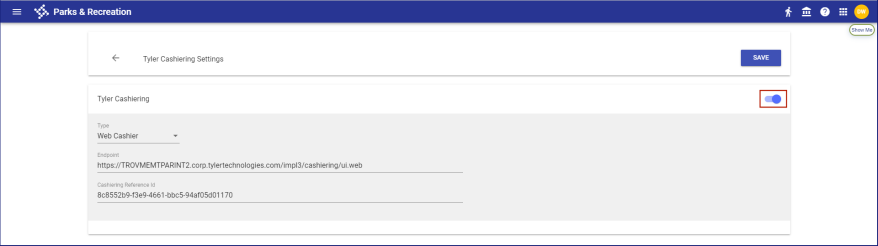
Order Summary and Payment
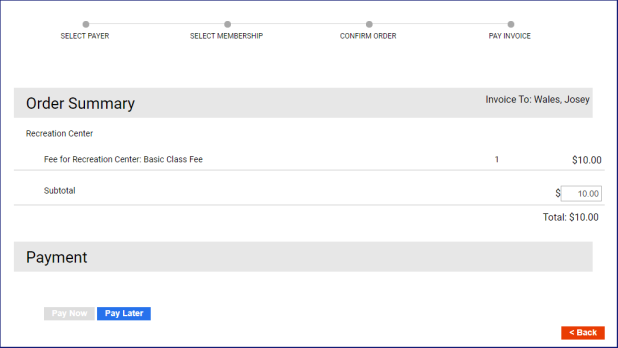
When Cashiering is enabled and cart fees have not been applied to all payment methods, Payment Method provides a multi-select drop-down:
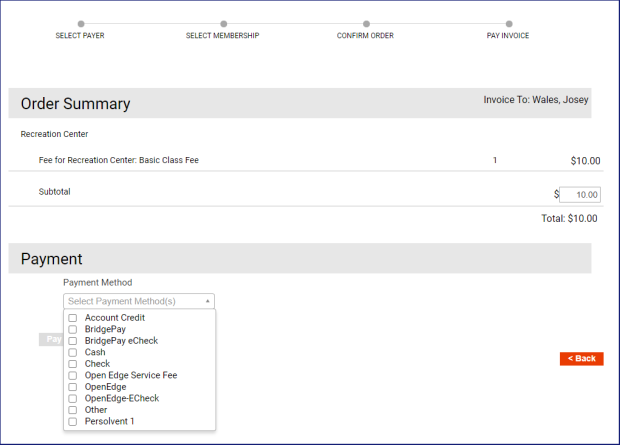
Select the payment methods that will be used in Cashiering. If cart fees have been applied to any of the selected methods, the cart fee line item displays:
This applies to Order Summary and Payment pages and invoicing pages in the back office and on the citizen portal.